

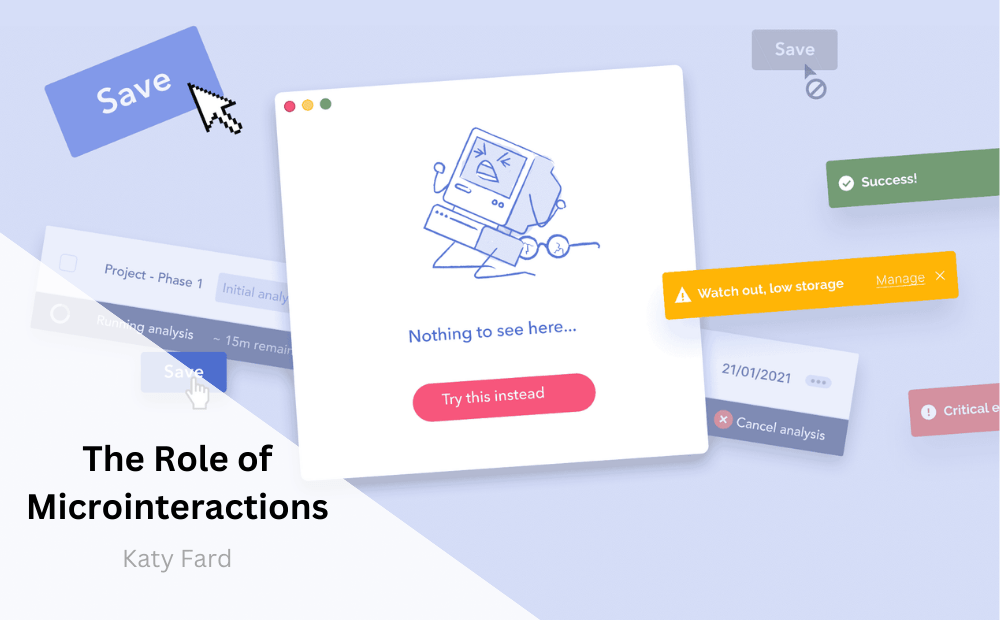
The role of microinteractions in user interface design has become increasingly important as digital experiences continue to evolve. Microinteractions are subtle animations and responses that occur as users interact with a website or application. These small, often overlooked details play a significant role in enhancing user engagement and satisfaction.
In this article, we will delve into the significance of microinteractions and how they contribute to creating a memorable and delightful user experience. We will explore their impact on user engagement, satisfaction, and overall usability, as well as provide examples of effective microinteractions in various digital interfaces.
Understanding Microinteractions
Microinteractions are the small details that bring life to a digital interface. They are the animations, transitions, and feedback that occur in response to user actions, such as clicking a button, swiping a card, or submitting a form. While they may seem minor, microinteractions play a crucial role in guiding users through their interactions with a system, providing visual and interactive feedback, and creating a sense of responsiveness and immediacy.
The primary goals of microinteractions are to communicate status and feedback, provide guidance, and create a sense of delight and satisfaction for the user. Whether it’s a subtle animation that indicates a successful action or a smooth transition that guides the user through a multi-step process, well-designed microinteractions contribute to a more engaging and intuitive user experience.
Enhancing User Engagement
Microinteractions are instrumental in capturing and maintaining user attention. By providing immediate and relevant feedback to user actions, microinteractions create a sense of responsiveness and interactivity, encouraging users to explore and interact with a digital interface. For example, a simple hover effect on a button can draw the user’s attention and prompt them to take action.
Moreover, microinteractions can convey the personality and branding of a product or service, making the user experience more engaging and memorable. Thoughtfully designed microinteractions can inject a sense of playfulness, sophistication, or friendliness into the user interface, resonating with the target audience and enhancing overall engagement.
Fostering User Satisfaction
User satisfaction is intricately linked to the quality of interactions within a digital interface. Well-crafted microinteractions contribute to a positive user experience by reducing friction, providing immediate feedback, and guiding users through complex tasks with ease. For instance, a subtle loading animation accompanied by a witty message can turn a potentially frustrating wait time into a lighthearted and engaging experience.
In addition, microinteractions can contribute to building trust and credibility by signaling the reliability and robustness of a system. Clear and intuitive microinteractions help users feel in control of their interactions, leading to a greater sense of satisfaction and confidence in the digital platform.
Usability and Accessibility
Microinteractions also play a critical role in improving the usability and accessibility of digital interfaces. By providing visual and interactive cues, microinteractions aid in orienting users, highlighting important information, and guiding their navigation. For example, microinteractions can clarify the outcome of a user action, preventing errors and misunderstandings.
Moreover, well-designed microinteractions can enhance the accessibility of a digital interface by providing additional visual and auditory feedback for users with disabilities. For instance, subtle animations accompanied by sound cues can improve the overall user experience for individuals with visual impairments, contributing to a more inclusive design.
Examples of Effective Microinteractions
Effective microinteractions can be found across a wide range of digital interfaces, from mobile applications to websites and wearable devices. Some notable examples include:
Button Animations: When a user clicks a button, subtle animations such as a smooth transition, color change, or pulsating effect can provide immediate feedback and make the interaction feel more dynamic and engaging.
Form Validation: As a user fills out a form, microinteractions that indicate the correctness or incorrectness of their input in real-time can help prevent errors and streamline the submission process.
Pull-to-Refresh: In mobile applications, the pull-to-refresh feature, accompanied by a visually appealing animation, provides an intuitive way for users to update content and contributes to a seamless user experience.
Responsive Icons: Interactive icons that change appearance or provide additional information upon interaction can enhance usability and guide users through various functionalities within an interface.
Feedback Loops: Microinteractions that acknowledge user input, such as a subtle vibration or sound effect when a touch is registered on a touchscreen device, create a sense of responsiveness and tactility.
Conclusion
In conclusion, microinteractions are a powerful tool for enhancing user engagement, satisfaction, and overall usability within digital interfaces. Their subtle yet impactful nature allows them to communicate feedback, guide interactions, and create memorable experiences for users. By incorporating well-designed microinteractions, designers and developers can enrich the user experience and differentiate their digital products and services in an increasingly competitive landscape. As digital experiences continue to evolve, the role of microinteractions in shaping user engagement and satisfaction will only continue to grow, making them an essential consideration for any user interface design strategy.
How can user satisfaction be quantifiably measured and improved within a digital interface?
Hello Joseph,
You can measure and improve how happy people are when using a website or app in a few ways. First, you can ask them to fill out surveys or give feedback on what they like and don’t like. Also, you can see how people are using the website or app, like what they click on and how long they stay. Another way is to ask them how likely they are to recommend the website or app to others. Finally, you can watch people use the website or app and see where they might be having trouble. Once you have this information, you can make changes to improve how much people like using the website or app. By making small changes based on what people say and do, you can help make the website or app better for everyone.
How can user satisfaction be influenced by factors other than the quality of interactions within a digital interface?
Hello Lou,
Thank you for asking.
User satisfaction can be influenced by various factors beyond the quality of digital interactions. These may include overall design aesthetics, ease of navigation, loading speed, available features, customer support quality, and the reliability of the platform. Additionally, user expectations, brand perception, personal preferences, and external influences can play significant roles. Furthermore, factors such as security, privacy protection, and the seamless integration of features within the interface can also impact user satisfaction. The ability of the interface to meet users’ needs and provide a positive emotional experience is crucial in shaping overall satisfaction.
What are some key considerations when designing microinteractions to enhance user experience and brand perception?
Hello Rose,
When designing microinteractions to boost user experience and brand perception, it’s important to consider a few key things. First, make sure that the microinteractions reflect the brand’s identity and values to maintain a consistent image. Consistency in design elements, such as colors and animations, can reinforce the brand’s identity. Additionally, microinteractions should be easy to understand and provide helpful feedback to users. They should also serve a purpose and add value to the user’s interaction. It’s crucial to ensure that everyone, regardless of ability, can engage with the microinteractions, so prioritizing accessibility is important. Finally, testing the microinteractions with real users and gathering feedback is essential for refining the user experience and upholding a positive brand perception.
[…] A related article: The Role Of Microinteractions […]